
For Relationship-Centric Agents
Mother's Day Guide
& DIY Kit.
A proven Mother's Day campaign you can localize in 15 minutes - built and tested by the team behind Lifetime Home Support™. Canva templates, AI content prompt, distribution playbook, and ManyChat lead capture. Everything done. You add your name.
2 editable Canva templates · Finished example · Full distribution playbook · ManyChat setup
Sound Familiar?
Most agents miss Mother's Day - or send something forgettable.
You mean to do something every year and then it's May 11th and you've sent nothing. Again.
You send a generic 'Happy Mother's Day!' text that looks like it came from a mass blast - because it did.
You know a useful, local, shareable guide would build real relationships - but you don't have time to build one from scratch.
The Solution
A guide that sits in your Canva account is worthless.
A guide in 15 places is a referral magnet.
Amy's team built the templates, tested the campaign, and documented the full distribution strategy - digital, print, and automated lead capture. Your job is to open the template, add your name and local events, and share it everywhere.
The Setup
Live in 15 minutes. Here's how.
Open the Canva template
Click the link, choose "Use template for new design," and save it to your own Canva account.
Swap the branding
Replace the placeholder logo with yours. Update colors, add your headshot, phone, email, and website.
Customize the content
Replace local events with events in your market. Drop in vendor offers from your network. Use the AI prompt to fill it fast.
Export and host
Share → Download as PDF. Upload to Google Drive or Dropbox. Set to "Anyone with the link can view." Share everywhere.
What's Inside
8 assets. Everything you need to launch.
Templates, the finished example, the AI prompt, the distribution strategy, and the automation setup - all in one starter kit.
Mother's Day Guide - Canva Template
The full multi-page guide. Swap your branding, drop in local events, vendor offers, and DIY ideas, then export as PDF. Your market, your name, your guide.
DIY Resource - Canva Template
A printable single-sheet DIY gift idea guide. Use it as a bonus inside your guide or share it standalone on social. Editable in Canva.
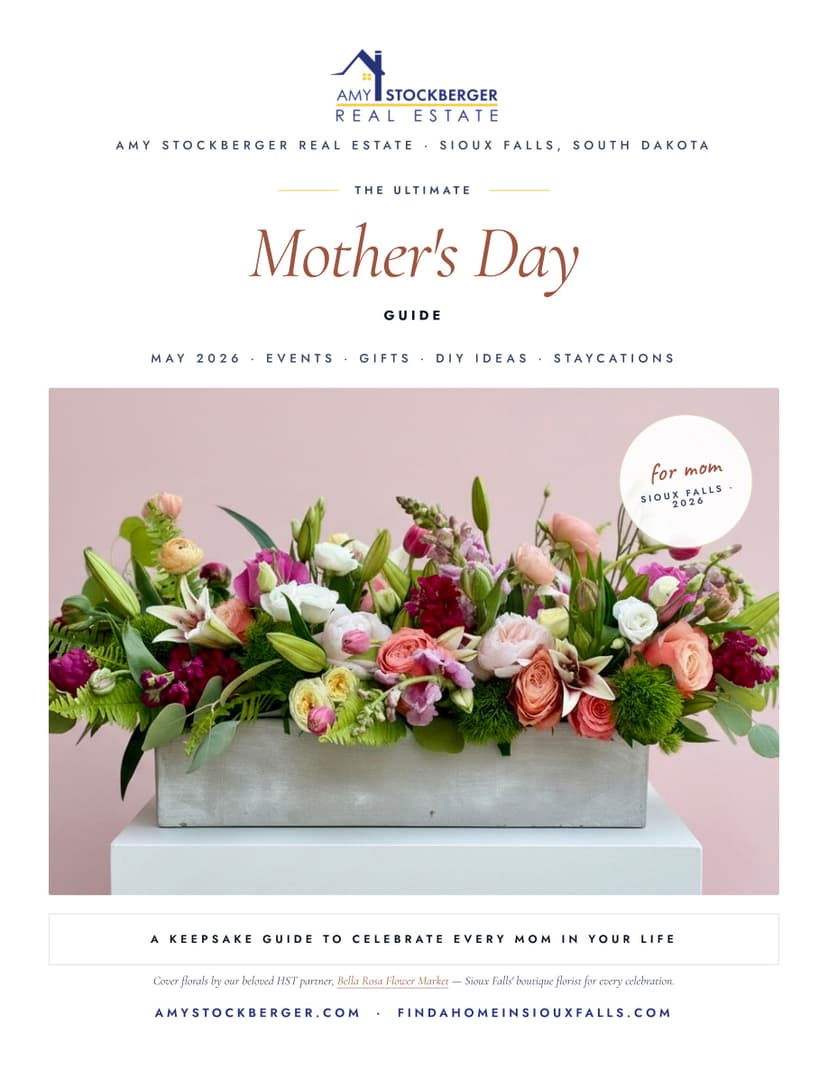
Amy's Finished Guide - View-Only Example
The model. A completed guide built for the Sioux Falls market so you can see exactly what yours should look like. Pattern yours after this.
15-Minute Setup Walkthrough
Four steps, in order: open the template, swap branding, customize local content, export and host. You can be live and sharing in under 15 minutes.
Bonus AI Prompt - Fill Your Guide Fast
Paste this prompt into ChatGPT, Claude, or Perplexity with your city name. Get a full list of local Mother's Day events, brunches, spa specials, boutiques, and more - in minutes, not hours.
Distribution Playbook - Digital + Print
Exactly where to put the guide: link in bio, email blast, text blast, open houses, coffee shops, salons, local Facebook groups, past clients, and cross-promotion with featured businesses.
Two Delivery Paths - Basic + Pro
Basic: link in bio + pinned comment, 5-minute setup, zero new tools. Pro: ManyChat keyword auto-DM - when someone DMs "MOM" they get the guide automatically and you capture the lead.
ManyChat Keyword Setup Walkthrough
Step-by-step instructions to set up the keyword trigger, write the auto-reply, and test it. Includes a ready-to-use sample auto-reply message.
The Distribution
12 places to put this guide.
The playbook shows you exactly where to share - digital, print, and the cross-promotion multiplier that doubles your reach for free.
Two Delivery Paths
Both work. Choose your comfort level.
Basic Path
Link in Bio + Pinned Comment
5-minute setup · Zero new tools
Drop the guide link where people already are - bio, pinned comment, email signature - and direct traffic in your captions. Fastest path to live.
- ✓Drop your guide link in IG and FB bio
- ✓Pin a comment with the link on every Mother's Day post
- ✓Add the link to your email signature
- ✓Caption: "Link in bio for the free Mother's Day Guide"
Pro Path
ManyChat Keyword Auto-DM
20-minute setup · Hands-off lead capture
When someone DMs you “MOM,” ManyChat sends them the guide automatically - and captures them as a lead in the process. Full walkthrough included.
- ✓Free or paid ManyChat account
- ✓IG Professional or FB Page connected
- ✓Set keyword trigger → auto-reply with guide link
- ✓Full step-by-step setup walkthrough included
- ✓Sample auto-reply message included
Built & Tested by Amy
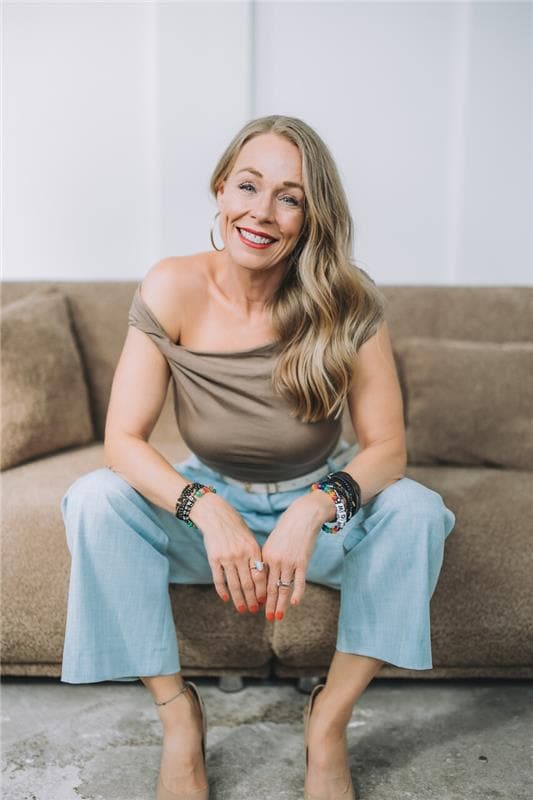
This is the exact campaign Amy's team runs.
Amy Stockberger runs the #37-nationally-ranked real estate team in South Dakota. Her philosophy: serve your clients so well they never think of another agent. The Mother's Day Guide is one of the seasonal touchpoints her team uses every year - not as a sales pitch, but as a genuine community resource people actually share.
This starter kit gives you her templates, her example, and her full playbook - so you can run the same campaign in your market.
This is for you if…
Get the Starter Kit
Everything built. You just add your name.
Instant access. Live in 15 minutes. Reuse every year.
Secure checkout · Instant access · Single-user license
Frequently asked questions
How long does setup actually take?
15 minutes if you follow the four steps in order. Basic path (link in bio) is 5 minutes once the guide is done. Pro path (ManyChat keyword) is about 20 minutes total.
Do I need any design experience?
None. Everything is built in Canva - click where it says your name, type your name, done. You don't need to know how to design anything.
Can I use this every year?
Yes. Save the Canva template to your account, update the event dates and local content each spring, and re-export. One purchase, used indefinitely.
Is this specific to Sioux Falls?
The finished example Amy's team built is for Sioux Falls. The template is blank so you fill it with your city's events and vendors. The AI prompt in the kit finds local events for any city in minutes.
What is ManyChat and do I need it?
ManyChat is a free automation tool that sends your guide to anyone who DMs you a keyword like 'MOM' - and captures them as a lead automatically. It's optional. The Basic path (link in bio + pinned comment) works without it.
What do I get instant access to?
On purchase you get three links: the editable Mother's Day Guide Canva template, the editable DIY Resource Canva template, and Amy's finished example guide. Plus the full PDF walkthrough - setup, distribution, ManyChat, and AI prompt.
The Bigger Picture
The Guide is one piece. The full system turns clients into lifetime referral sources.
Lifetime Home Support Academy teaches the complete operating system behind Amy's #37-nationally-ranked team - from seasonal campaigns like this one to the VIP Club that creates recurring revenue and a client base that refers on repeat.
Do It Yourself
Course Library
Learn the full system on your own timeline. Lifetime access. Add pre-trained Virtual Assistants when ready.
Browse Courses →Done With You
Lifetime Client OS™
We install a complete VIP Club operating system into your team or brokerage. Built in 90 days.
Apply →Done For You
Lifetime Vendor OS™
The full vendor partnership network built and managed for you. You meet the vendors, we handle everything else.
Apply →Show up for the moms in your database.
Be the agent they remember.
The templates are built. The playbook is written. The automation is documented. All you do is add your name and share it.
Get the Starter Kit - $97 →